
How to Keep Your WiFi Working During a Power Cut | Complete Guide by Gigmax
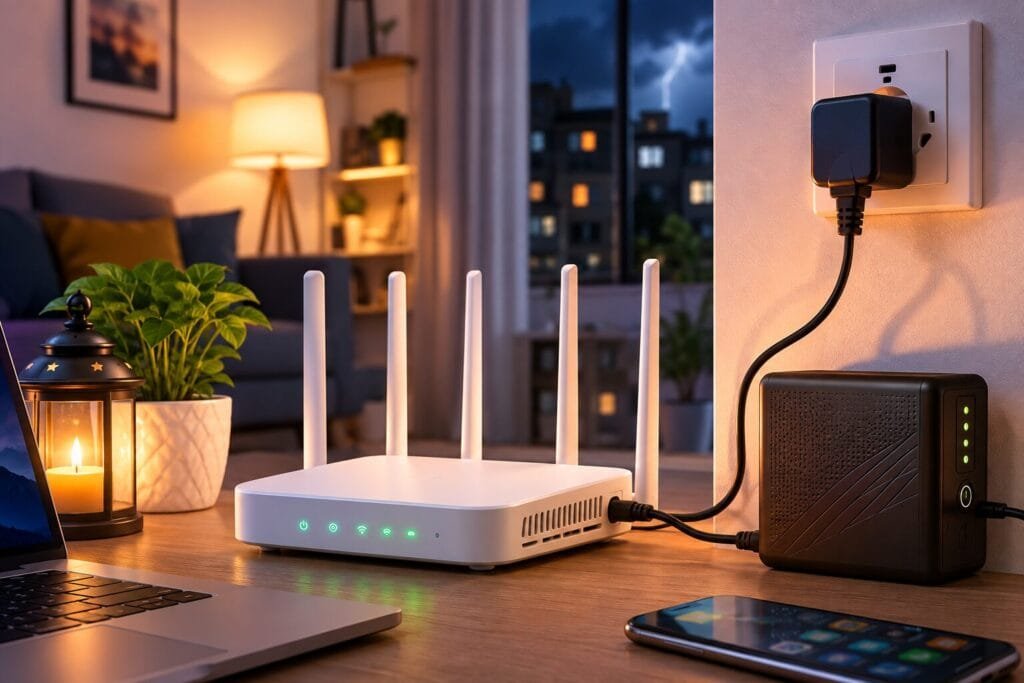
How to Keep Your WiFi Working During a Power Cut
Power cuts are common in many areas, especially during summer, monsoon, or maintenance work. While your laptop may continue running on battery, your WiFi router usually shuts down immediately, disconnecting you from online meetings, work, classes, gaming, and entertainment.
The good news is that you can keep your WiFi working during a power cut with a few simple backup solutions.
In this guide, Gigmax Communications Pvt. Ltd. explains how to enjoy uninterrupted internet even when the electricity goes out.
Why Does WiFi Stop During a Power Cut?
Many people think their internet service stops during a power outage. In most cases, that’s not true.
With a fiber broadband connection, the internet network remains active, but your WiFi router and Optical Network Terminal (ONT) require electricity to operate. When the power supply stops, these devices turn off, causing your internet connection to disconnect.
If you provide backup power to these devices, your internet can continue working.
Best Ways to Keep Your WiFi Working During a Power Cut
1. Use a Mini UPS for Your WiFi Router
A Mini UPS is one of the easiest and most affordable solutions.
It provides battery backup specifically for your WiFi router and ONT.
Benefits
- Keeps internet running during power cuts
- Easy plug-and-play installation
- Lightweight and portable
- Provides backup for several hours depending on battery capacity
- Ideal for work-from-home users
This is the most popular option for homes and small offices.
2. Connect Your Router to a Home Inverter
If your home already has an inverter, simply connect the following devices:
- WiFi Router
- Fiber ONT
- Power Adapter
As long as the inverter battery has sufficient charge, your internet will continue working without interruption.
3. Choose Reliable Fiber Broadband
Even with backup power, your internet provider must have a stable network.
Fiber broadband offers:
- Better uptime
- Faster speeds
- Lower latency
- More reliable connectivity than traditional broadband
A quality fiber network ensures you stay connected when your home equipment has power backup.
Why Fiber Broadband is Better During Power Cuts
Fiber optic internet is designed for high reliability.
Compared with older technologies, fiber provides:
| Feature | Fiber Broadband | Traditional Broadband |
|---|---|---|
| Stability | Excellent | Average |
| Speed | Very High | Moderate |
| Video Calls | Smooth | May Lag |
| Online Gaming | Low Latency | Higher Latency |
| Work From Home | Excellent | Average |
| HD Streaming | Buffer-Free | May Buffer |
When combined with a Mini UPS or inverter, fiber broadband delivers uninterrupted connectivity during most power outages.
Who Needs Internet Backup?
Power backup is especially useful for:
- Work-From-Home Professionals
- Freelancers
- Students attending online classes
- Gamers
- Content Creators
- Small Businesses
- CCTV Camera Users
- Smart Home Users
Even a short interruption can disconnect meetings, uploads, cloud backups, or online transactions.
Tips to Extend Router Backup Time
Follow these tips to maximize backup duration:
- Use an energy-efficient WiFi router.
- Switch off unnecessary devices connected to the UPS.
- Keep your UPS battery fully charged.
- Replace old batteries when backup time decreases.
- Use quality power adapters.
- Install your router in a well-ventilated location.
Why Choose Gigmax Fiber Broadband?
Gigmax provides reliable fiber broadband in Faridabad for homes and businesses.
Benefits of Gigmax
- High-Speed Fiber Internet
- Unlimited Data Plans
- Low Latency
- Reliable Connectivity
- Fast Installation
- Affordable Monthly Plans
- 24×7 Customer Support
- Local Technical Assistance
Whether you’re working from home, streaming, studying, or gaming, Gigmax helps you stay connected with a dependable fiber network.
Conclusion
Power cuts don’t have to interrupt your internet connection. By using a Mini UPS or connecting your router to a home inverter, you can keep your WiFi running even during electricity outages.
Pairing these solutions with a reliable fiber broadband connection from Gigmax ensures uninterrupted work, online classes, entertainment, and business operations.
If you’re looking for a dependable fiber internet provider in Faridabad, Gigmax Communications Pvt. Ltd. offers high-speed broadband plans designed for modern homes and businesses.
Frequently Asked Questions (FAQs)
1. How can I keep my WiFi working during a power cut?
Use a mini-UPS or connect your WiFi router and ONT to a home inverter to provide backup power.
2. Does fiber broadband work during a power outage?
Yes. The fiber network usually remains active, but your router and ONT need backup power to stay operational.
3. What is the best backup for a WiFi router?
A mini-UPS is the easiest and most effective solution for most households.
4. Can I use an inverter for my WiFi router?
Yes. A home inverter can power your router and ONT during electricity outages.
5. How long does a Mini-UPS power a WiFi router?
Depending on battery capacity and power consumption, most Mini UPS units provide backup ranging from 2 to 8 hours.
6. Why choose Gigmax Fiber Broadband?
Gigmax offers high-speed fiber internet, unlimited data, reliable connectivity, quick installation, and dedicated local support in Faridabad.
